Pop-up
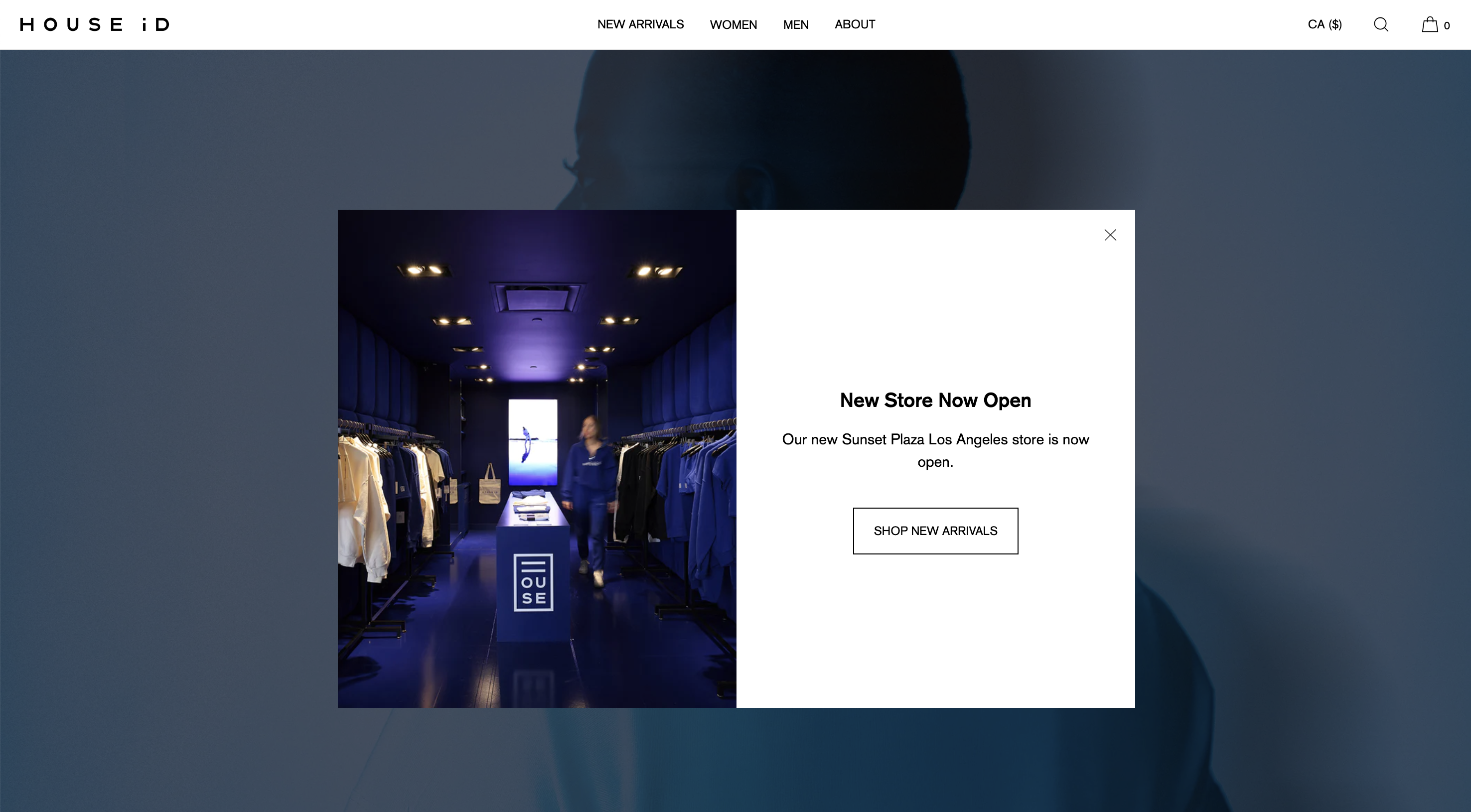
The Popup is designed to show a message to users when they visit your site. Typically pop-ups are used to alert users to a sale or new product range, or to prompt users to sign up to an email mailing list.
Use pop-ups carefully – they interrupt the user’s natural journey and therefore can be annoying if over-used.
How to add a pop-up
Within the theme editor in the Header section, click “Add section” and select Pop-up.
Within the section settings, you can select an image and various other settings.
Text and interactive content within the pop-up is contained in blocks. Available blocks include:
- Heading
- Text
- Link/button
- Email sign-up
