Collection list
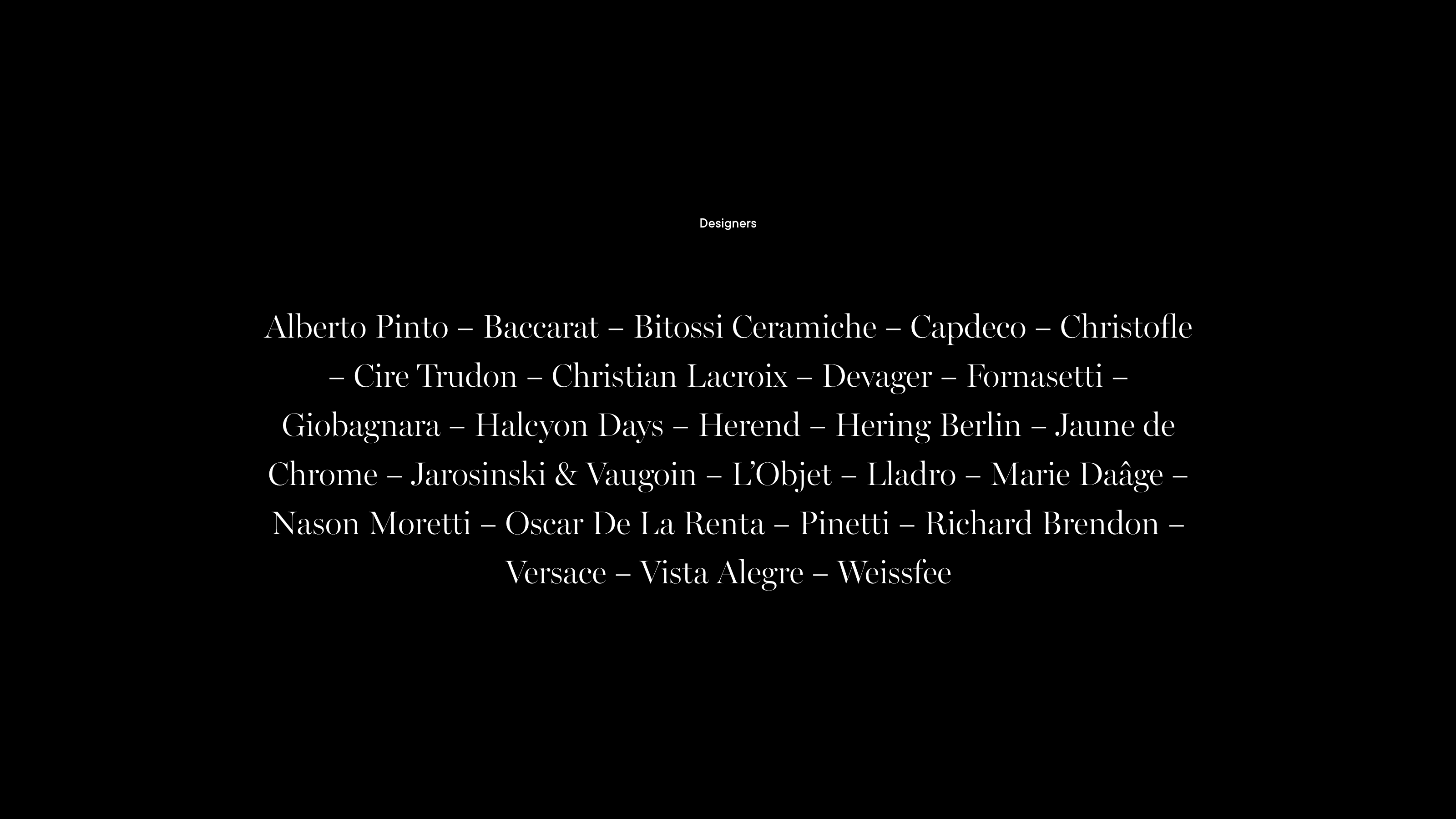
The Collection List section displays a list of your chosen collections in a smart typographic layout. The section includes a wide range of options, making it extremely adaptable. By configuring different settings, the section can either be quite minimal or can be visually rich.
Text
Set the content, alignment and other settings for the section heading.
List
Set up how the list of collection is displayed. The section includes a wide range of options to control the visual appearance and layout, and how images are displayed.
Images
Choose how images are displayed, such as on rollover or inline. You can also specify the aspect ratio for the rollover image:
- Square
- Portrait 4:5
- Portrait 4:6
- Landscape
- Adapt to image
In addition, you can specify a number of other options to affect the visual display of the section, such as font sizes and text alignment.
An optional background image can also be added.
